

DayKeep Passwords
Your logins, end-to-end encrypted, on every plan.
DayKeep Passwords keeps your logins, cards, one-time codes and notes in a vault only you can open. It comes with DayKeep for Windows and Android, and fills logins in Chrome.
Windows 10 or 11, and Android 8.0 or later.
Only you can open it.
Your vault is encrypted on your device with your own vault passphrase. That passphrase isn’t your DayKeep login, and it’s never sent to us. When you sync, we store your vault already encrypted and can’t read it. If you lose your passphrase, we can’t recover the vault for you, so keep your emergency kit somewhere safe.
On Windows.
A full password app with search, folders, one-time codes and a check for weak and reused passwords. Press Ctrl+Alt+A and Auto-Type fills the matching login into the window you’re in. Bring your logins over from KeePass.
In Chrome.
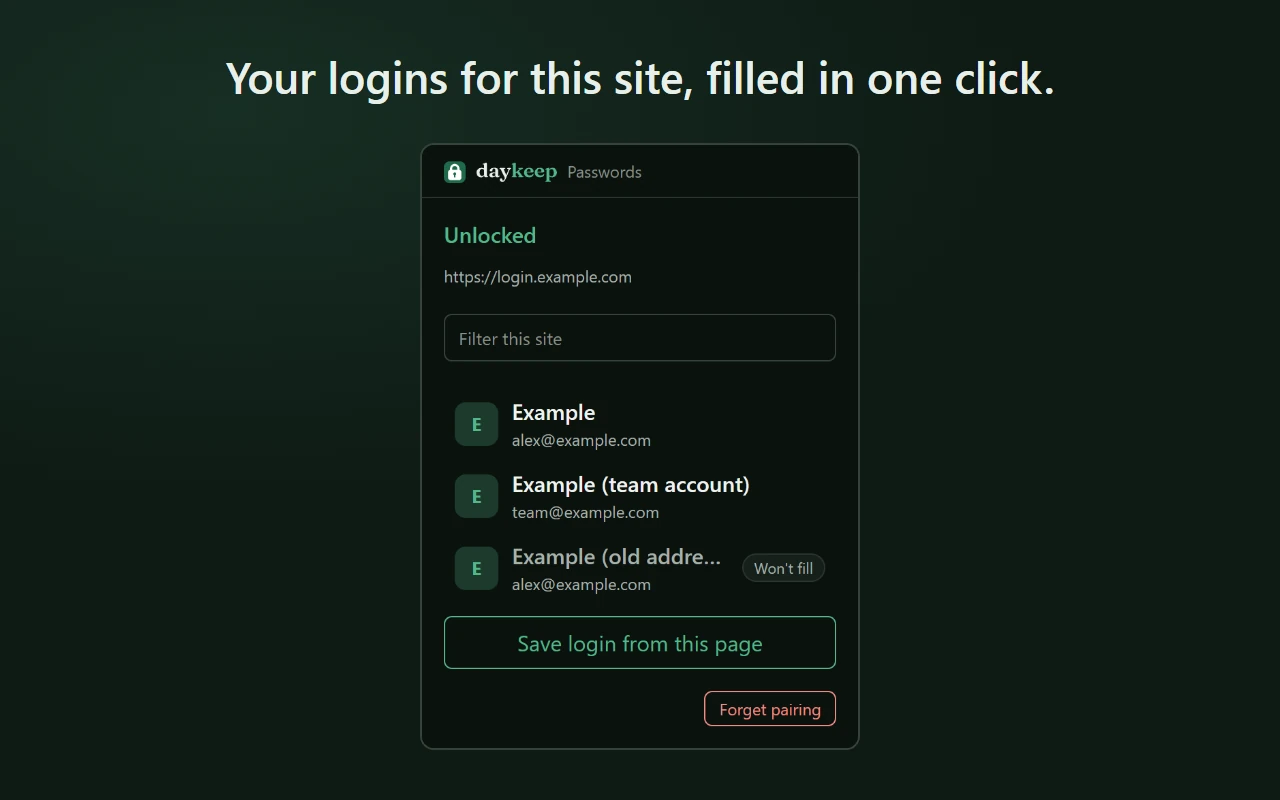
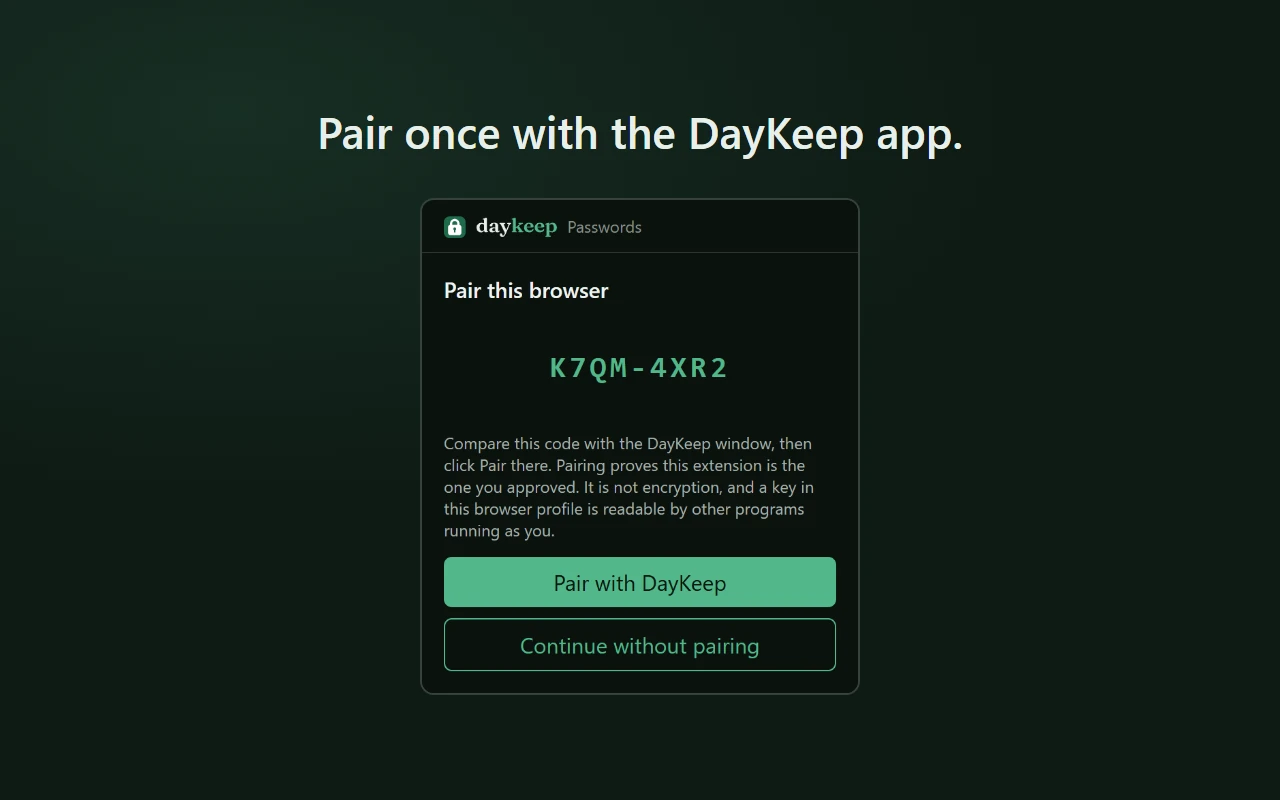
The DayKeep Passwords extension fills and saves website logins from the DayKeep app on your PC. It only fills on the site a login was saved for.
On Android.
Open your vault from the DayKeep app, fill logins in other apps, and make strong new passwords.
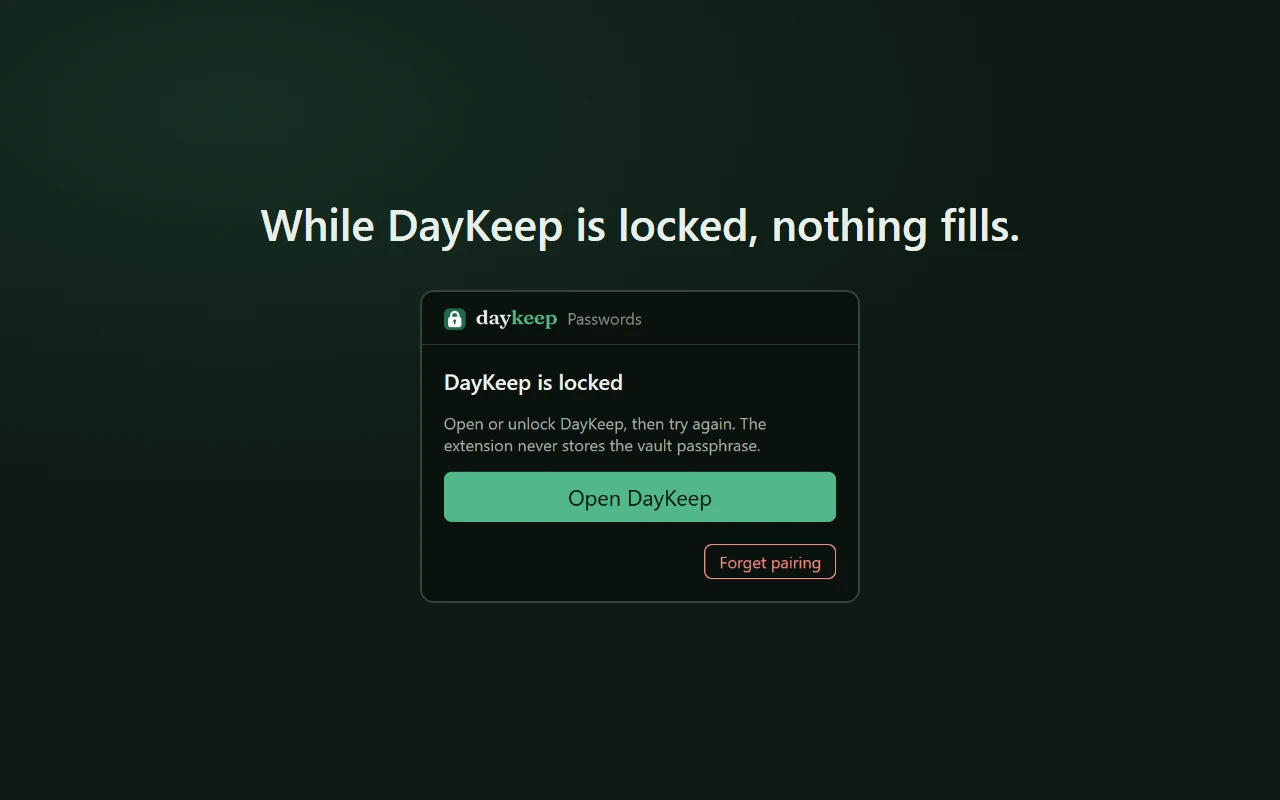
It locks itself.
After 10 minutes idle, when you lock your PC, or when it sleeps. While it’s locked, nothing fills.
Yours to keep, and to leave.
Bring your logins over from KeePass, 1Password or Bitwarden in one step, straight from their files. Take them out the same way: DayKeep exports your whole vault as an encrypted KeePass file that KeePassXC opens. You’re never locked in.
Your browser never holds your passwords.
The Chrome extension stores none and makes no network requests of its own. It asks the DayKeep app on your PC for one login at a time, and only on the site that login was saved for.
Sync is your choice.
Without a DayKeep account connected, your vault never leaves your device. With one, only encrypted data travels.
Updates you can check.
Every Windows installer is code-signed by Michael Prince, and each update is checked against a signed manifest before it installs.
More features
No ads, ever.
Download DayKeepWindows 10 or 11, and Android 8.0 or later.
Why I build it: Why DayKeep →